




Amazon Prime Video
🎬 An Endless World of Entertainment at Your Fingertips!
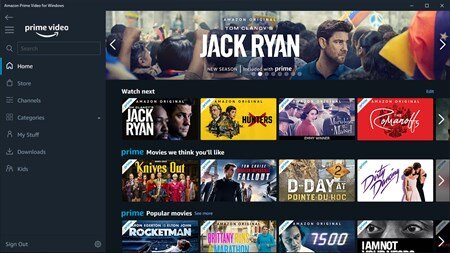
Amazon Prime Video is one of the world’s most popular streaming platforms, offering thousands of movies, web series, action, comedy, thrillers, documentaries, anime, and Amazon Originals—all in one place!With this 12-month premium subscription, your entertainment will be limitless, ad-free, and faster than ever.
🔥 What You Get:
✔ 12 Months of Premium Prime Video Access
✔ Unlimited Streaming of Movies & Series
✔ Early Access to Amazon Originals
✔ Full HD / 4K Ultra HD Streaming (Device Supported)
✔ Multiple Device Support for Streaming
✔ Kids Mode + Parental Control
✔ Advertise-free Experience
🌍 Available in these countries:
Works in Bangladesh, India, UAE, Saudi Arabia, USA, UK, and most countries (region-dependent). If there's a specific version for your region, we’ll deliver that.
Product Reviews
There are no reviews to display.