






🛍️ The Shop – PWA eCommerce CMS
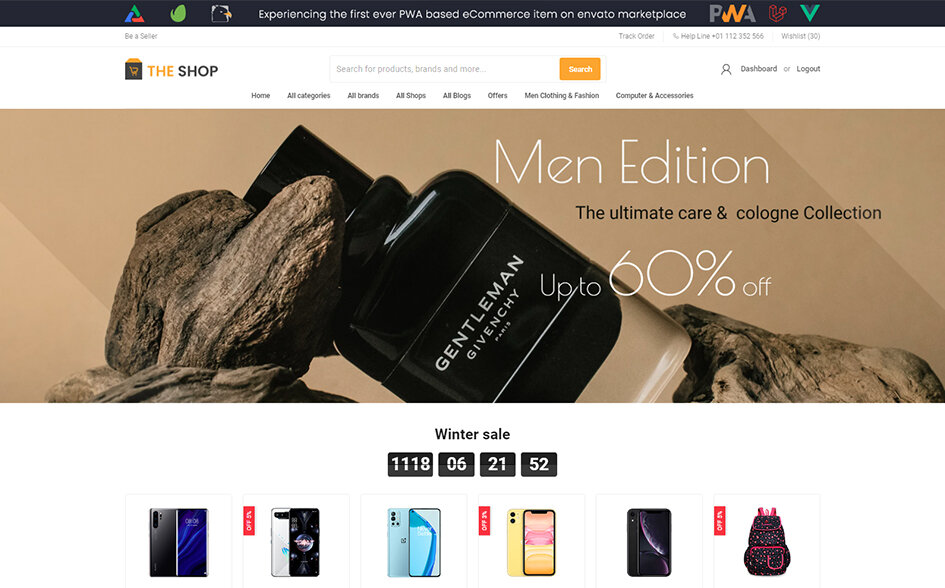
The Shop is a powerful eCommerce CMS designed to help you launch a complete online shop without any coding. With seamless Progressive Web App (PWA) technology, your store behaves like a real mobile app—fast, smooth, and installable on any device.
Perfect for entrepreneurs, resellers, and small businesses looking for an easy and professional digital storefront.
🚀 Key Features
PWA Enabled – Users can “Add to Home Screen” and enjoy an app-like shopping experience.
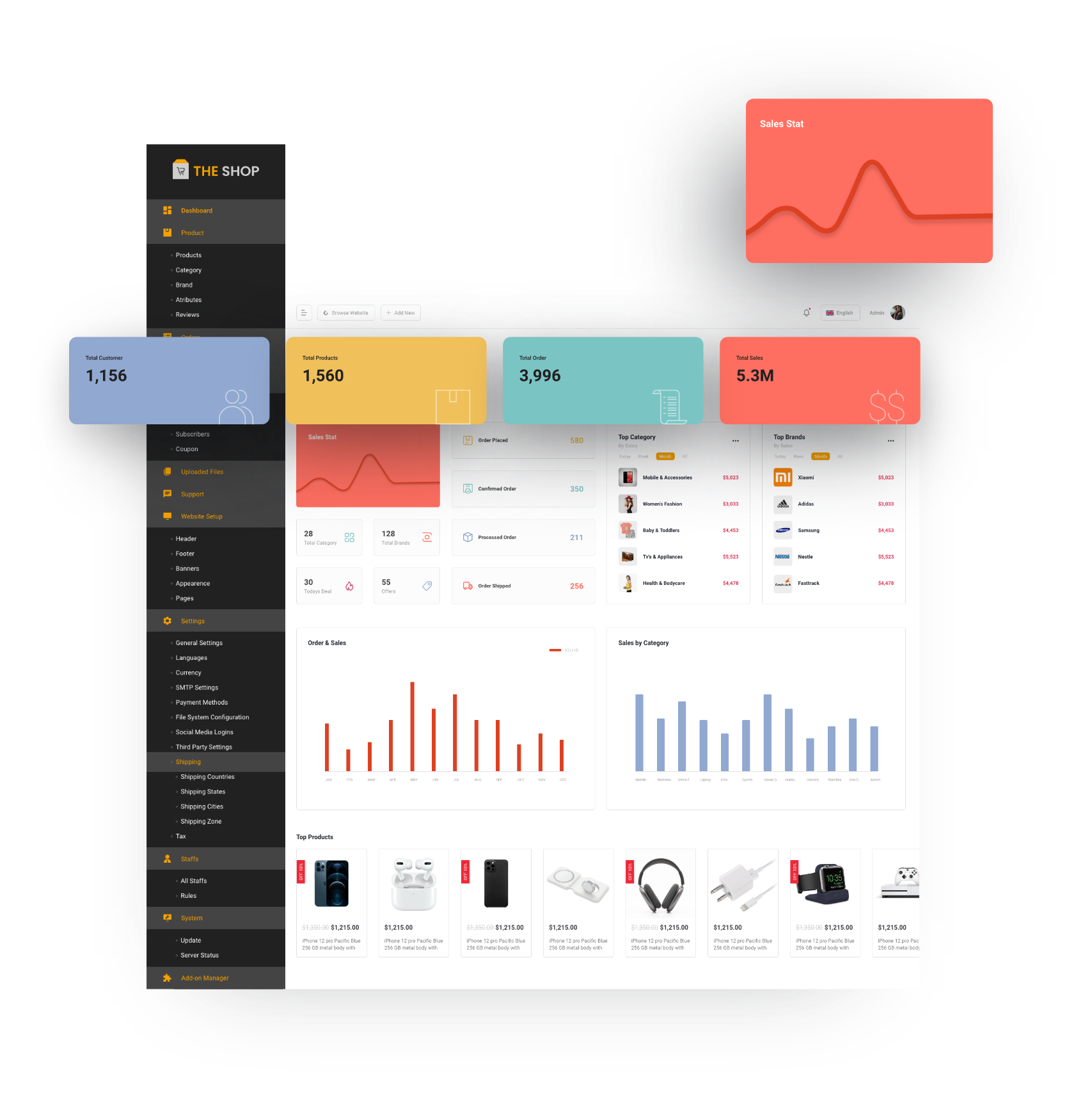
Modern Admin Dashboard – Manage products, orders, categories, and customers easily.
Fully Responsive Design – Perfect layout on mobile, tablet & desktop.
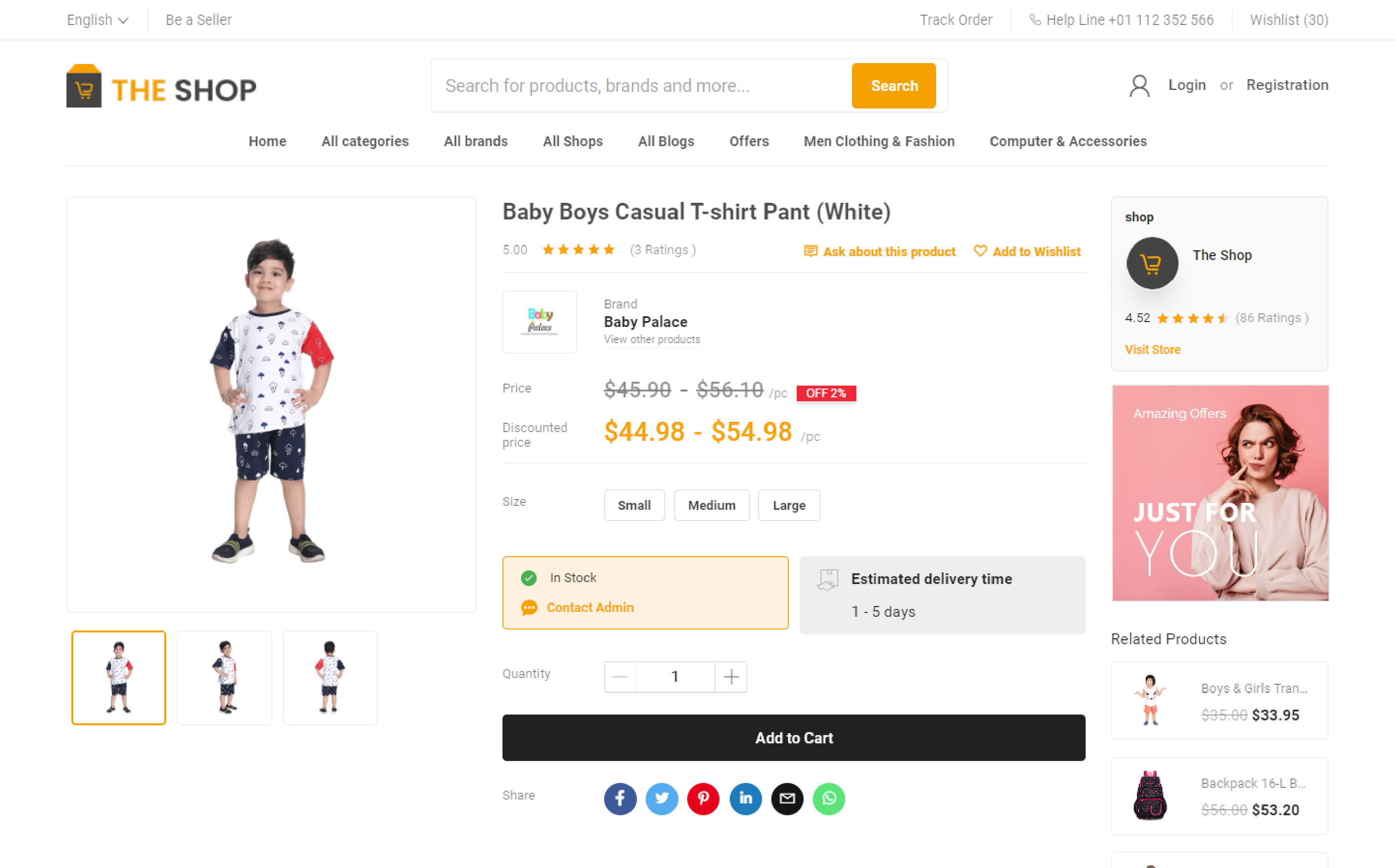
Advanced Product Management – Variants, prices, stock control, and images.
Payment Gateway Integration – Supports multiple payment methods.
Order & Customer Management – Track orders and customer activity in real time.
SEO Optimized – Designed for speed and high search rankings.
Multi-language Support – Sell to customers worldwide.
Push Notifications (via PWA) – Engage users instantly.
Invision Download – Easy integration and quick installation.
What's New in Version 3.4
Released
No changelog available for this version.
Join the conversation
You can post now and register later. If you have an account, sign in now to post with your account.