
Jump to content
View in the app

A better way to browse. Learn more.

ITJONI | The Ultimate Tech Hubs

A full-screen app on your home screen with push notifications, badges and more.

To install this app on iOS and iPadOS
  1. Tap the Share icon in Safari
  2. Scroll the menu and tap Add to Home Screen.
  3. Tap Add in the top-right corner.
To install this app on Android
  1. Tap the 3-dot menu (⋮) in the top-right corner of the browser.
  2. Tap Add to Home screen or Install app.
  3. Confirm by tapping Install.

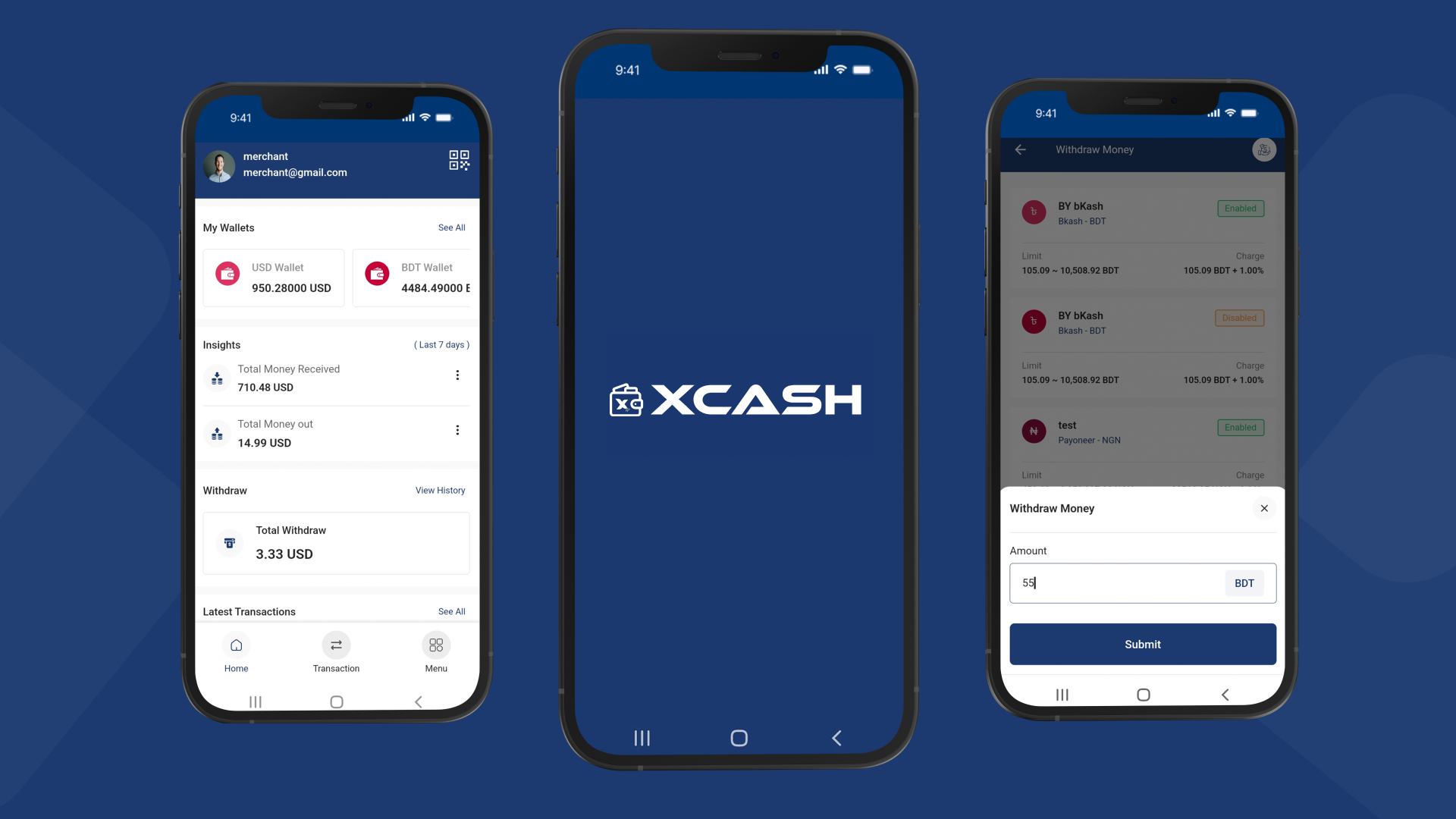
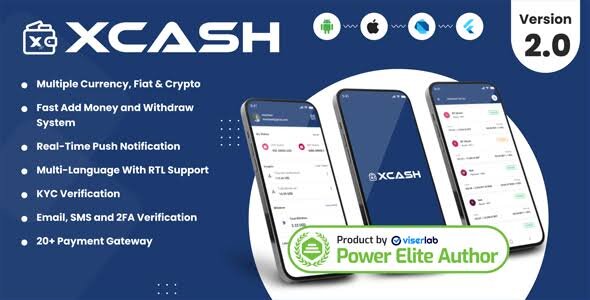
XCash Cross Platform Mobile Wallet Application Agent App 2.0.0

(0 reviews)

3 Screenshots

XCash Cross Platform Mobile Wallet Application Agent App is a CodeCanyon mobile wallet agent application package. This file is stored in ITJoni Downloads under Billing / Payment Gateway category.

Package includes the agent app ZIP file for setup, installation, or development use. Download link is managed by ITJoni Smart Download system, so the public download link will stay the same even if Google Drive storage is changed later.

What's New in Version 2.0.0

Released

No changelog available for this version.

User Feedback

Join the conversation

You can post now and register later. If you have an account, sign in now to post with your account.

Guest
  • This will not be shown to other users.
  • Add a review...

Configure browser push notifications

Chrome (Android)
  1. Tap the lock icon next to the address bar.
  2. Tap Permissions → Notifications.
  3. Adjust your preference.
Chrome (Desktop)
  1. Click the padlock icon in the address bar.
  2. Select Site settings.
  3. Find Notifications and adjust your preference.